Guide
Getting started with RCMap
Find RC crawling spots, tracks, hobby shops, clubs, and competitions, then add missing places and use RCMap from the field.
Overview
RCMap is a map-first field guide for RC drivers. It helps you find crawling spots, trailing areas, RC tracks, hobby shops, clubs, competitions, and nearby activity before you load the car.
This guide gives you the first-session path and the product map: how to search, what to check on a place page, when to create an account, where clubs and comps fit, and how the mobile app supports field use.
Find RC places by intent
Search and filter for crawling spots, trailing areas, RC tracks, hobby shops, and shops with track or scale-course access.
Open the mapVet a spot before the drive
Place pages collect location, category, ratings, photos, videos, access notes, directions, events, and community updates.
Add a placeBuild a driver profile
Accounts connect your submissions, garage rigs, public profile, and leaderboard contribution history.
See leaderboardFind clubs and local crews
Club pages support public discovery, member lists, join flows, invite links, pages, events, and competition hubs.
Find clubsRun RC competitions
Club competitions support registration, divisions, courses, judges, scoring, live standings, CSV export, and final results.
Competition guideHelp shops get discovered
Hobby shops are first-class place categories, including shops with tracks or scale courses for local drivers.
For hobby shopsBefore you start
- A web browser or the RCMap mobile app.
- A rough location, city, park name, shop name, RC track, or coordinates to search.
- An account if you plan to submit places, add community updates, join clubs, or enter competitions.
- Accurate access notes before adding any place that might be private, gated, or seasonal.
Search for RC places, shops, and tracks
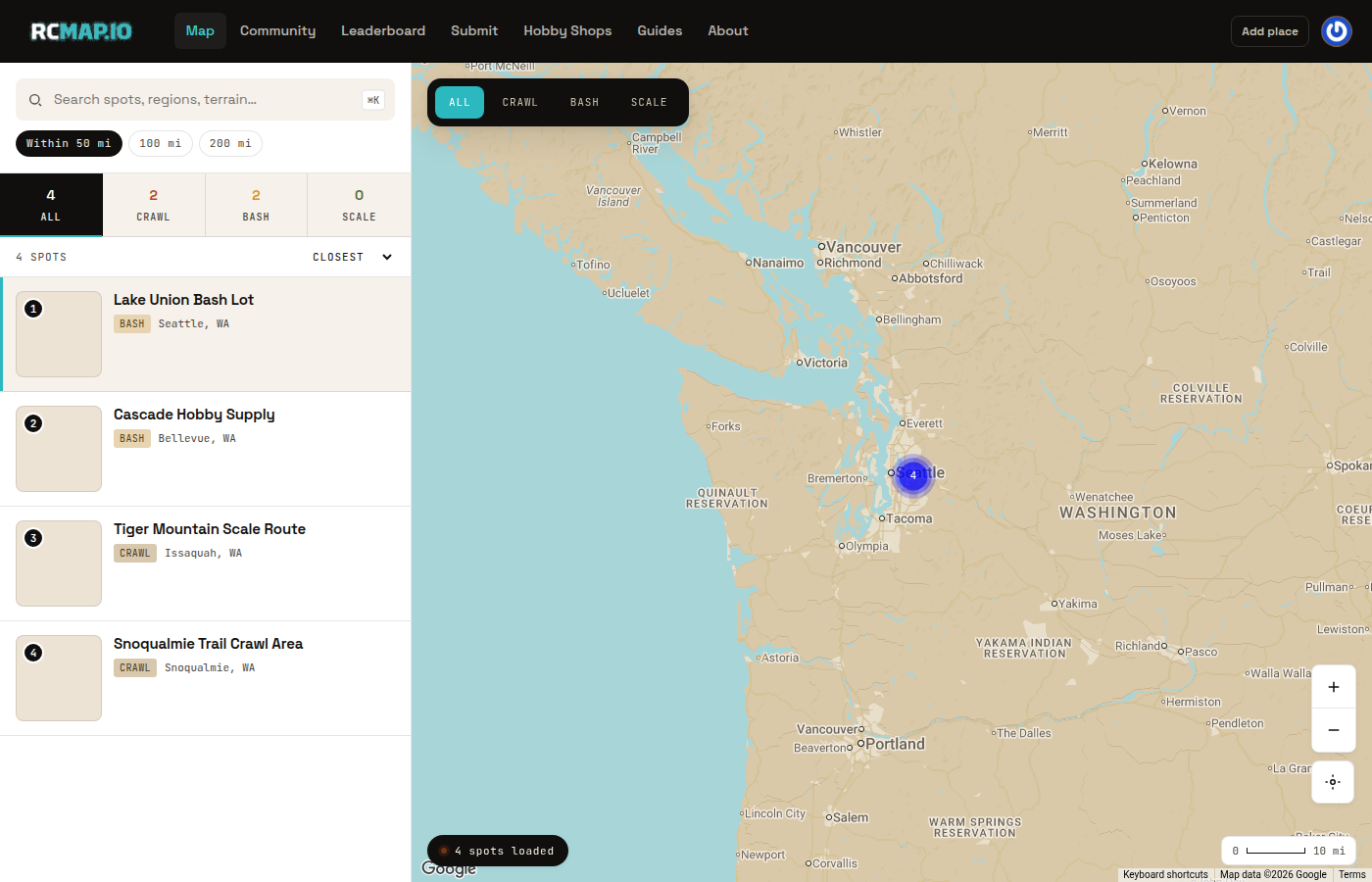
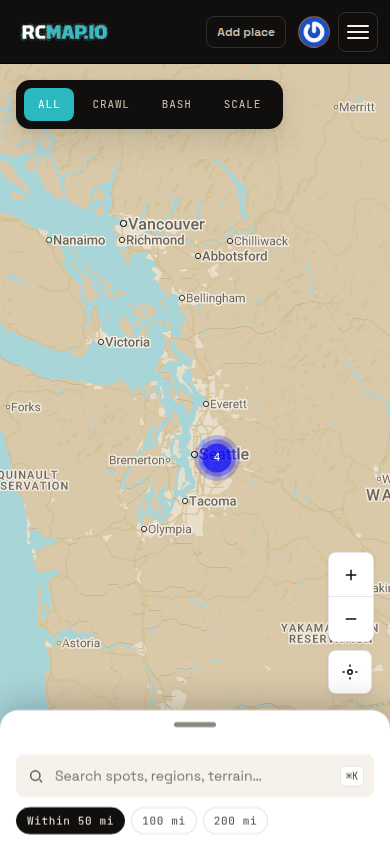
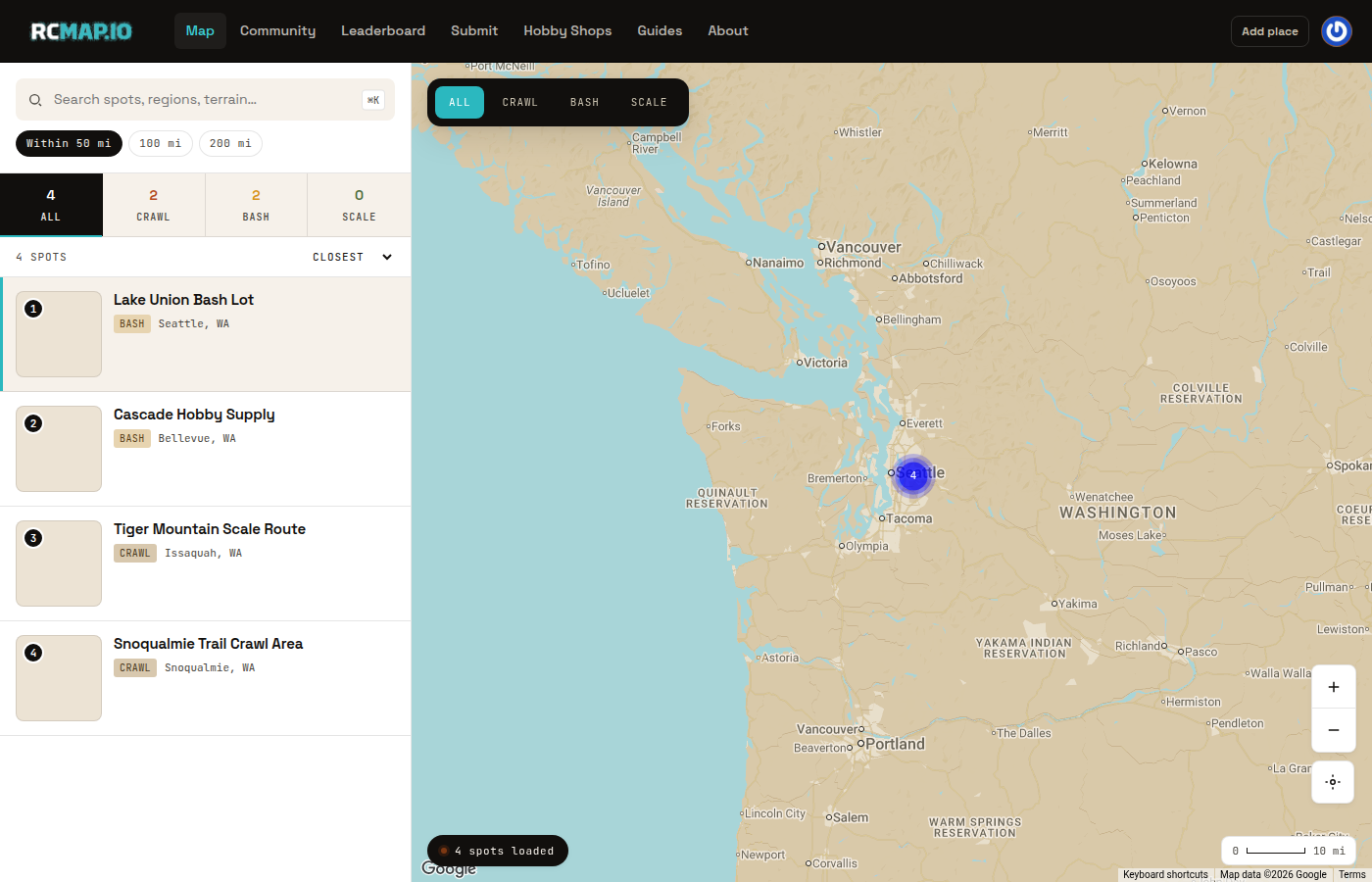
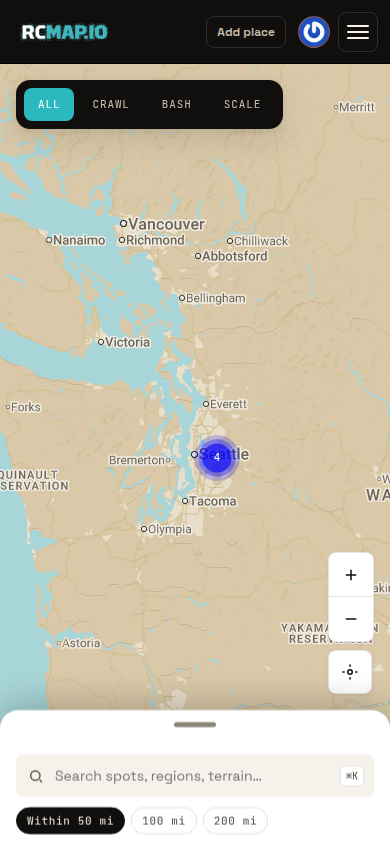
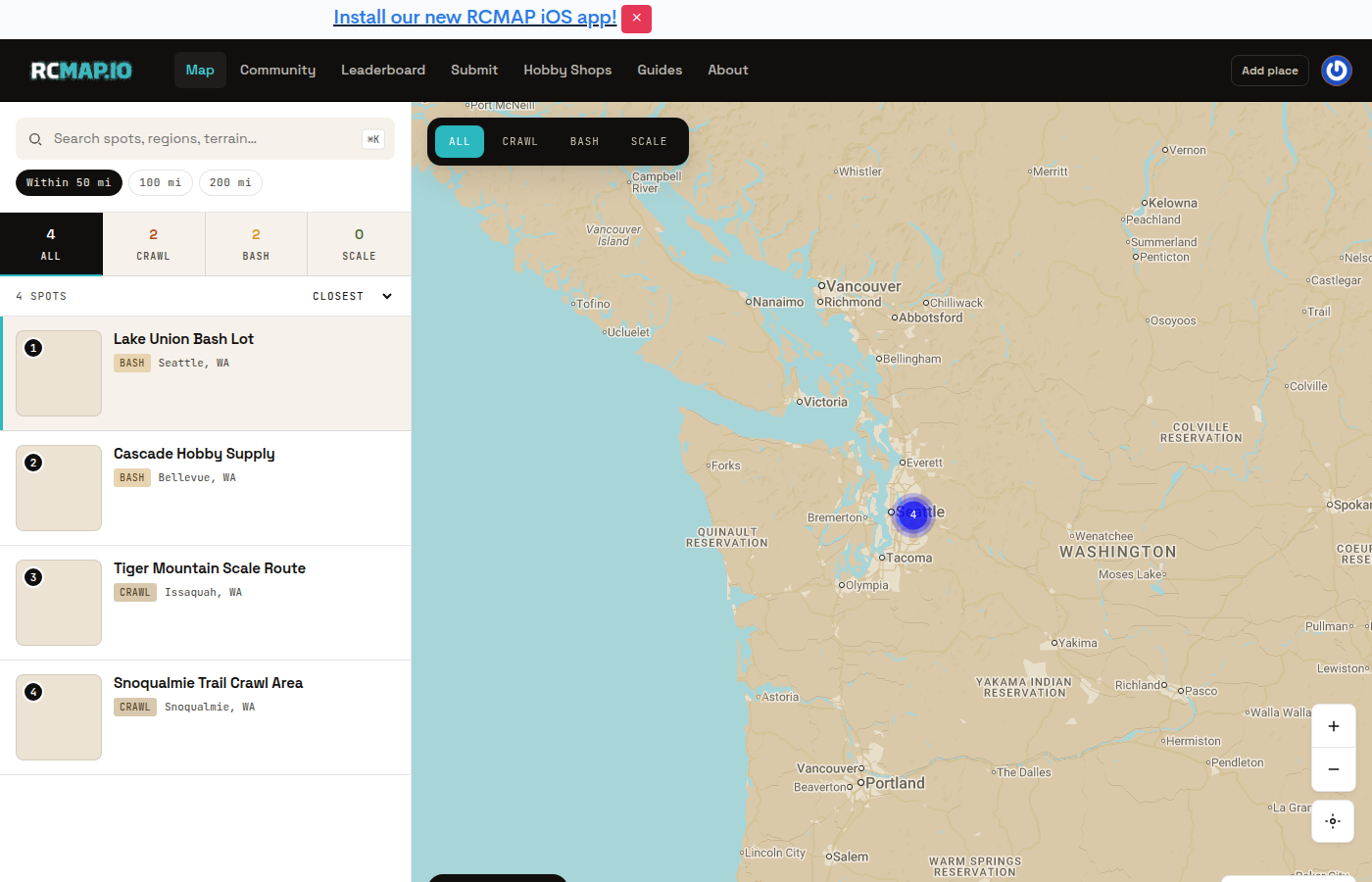
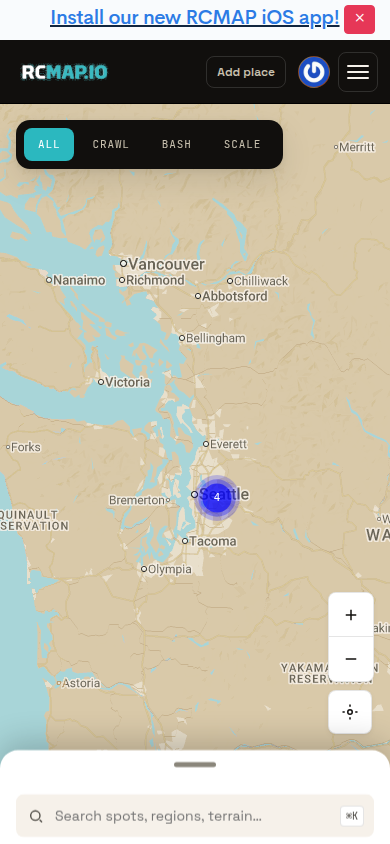
Open the Map and search for a city, trail name, hobby shop, RC track, or coordinates. RCMap is built as a map-first directory, so the fastest first session is search, filter by the type of place you want, then compare the nearby results.
Try the nearest city, park, trail system, shop, or local nickname before a very specific line name.
Read the place page before you drive
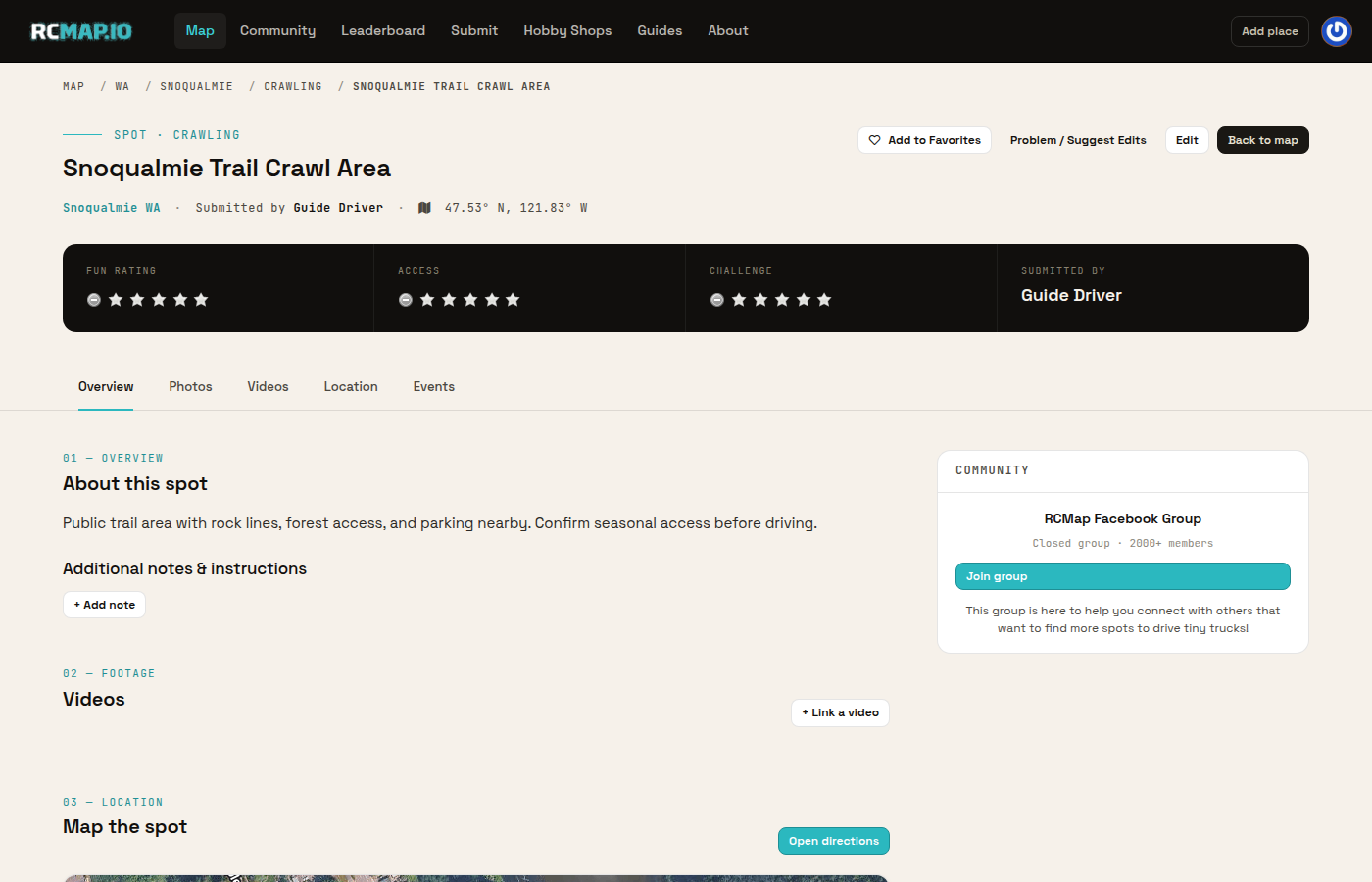
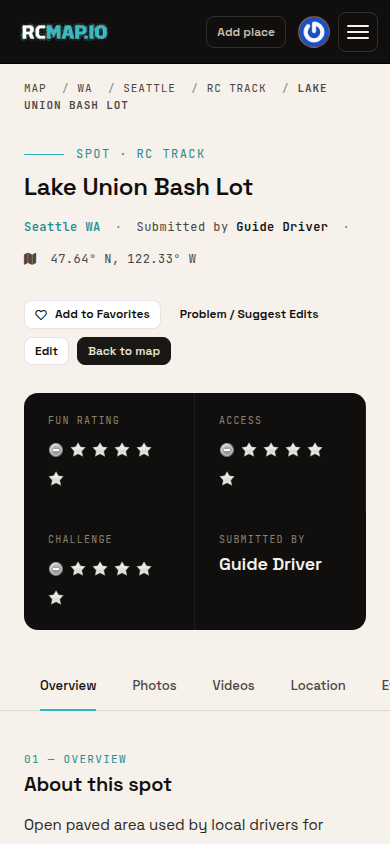
Choose a marker or place card to open the place page. Check the category, address or coordinates, access notes, photos, ratings, videos, and events before you drive there. If a place is a hobby shop, look for whether it is retail-only, has an RC track, or has a scale course.
A strong place page helps you decide where to go, what to bring, and whether access still looks current.
Add a missing crawl spot, track, or hobby shop
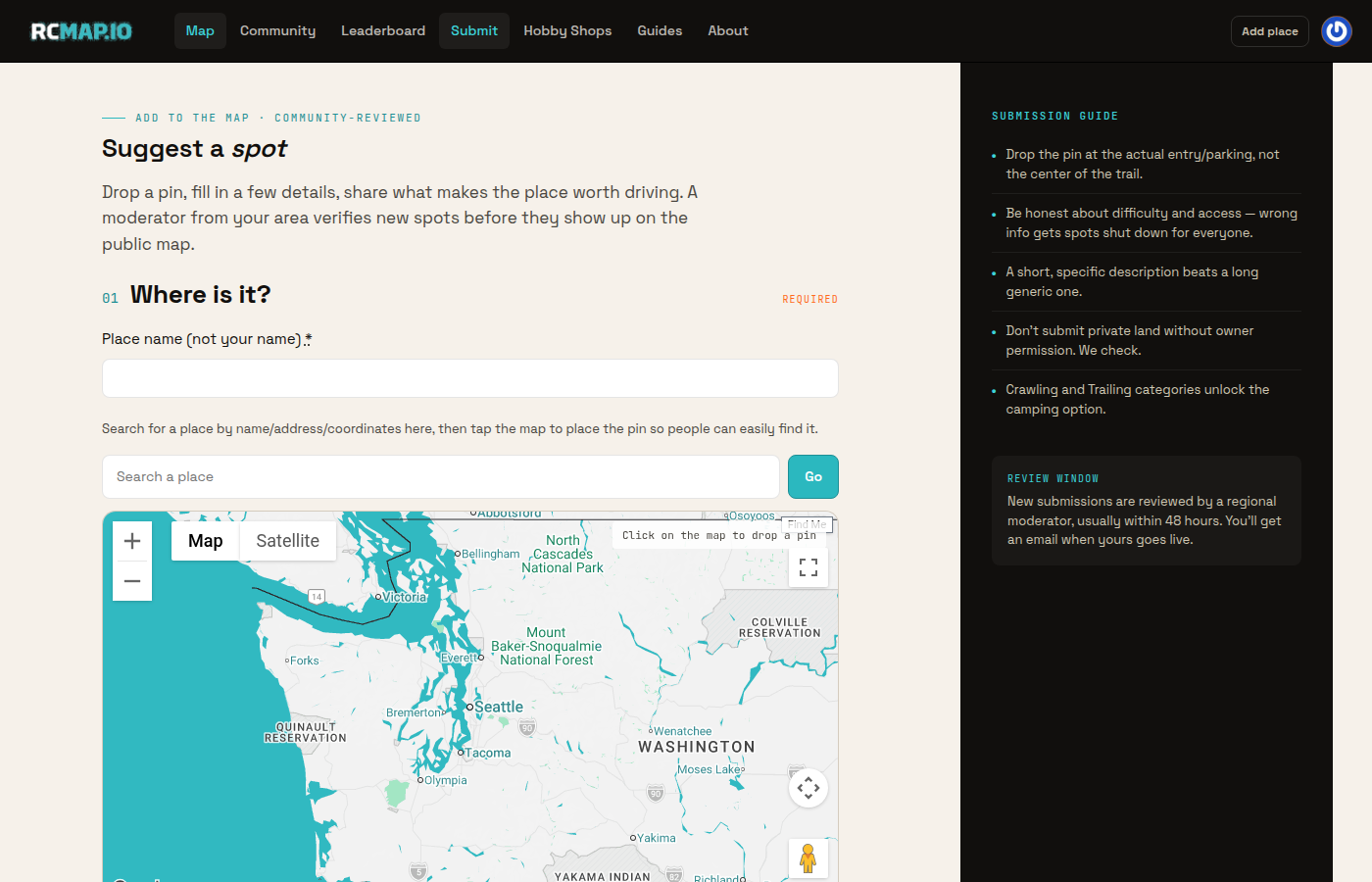
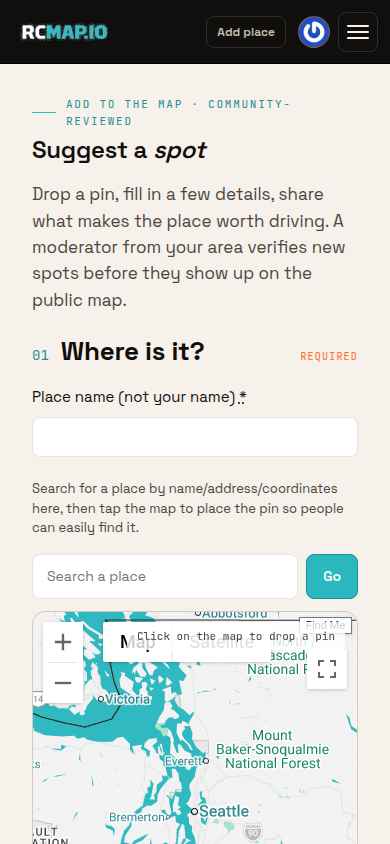
If you know a useful place that is not on the map, choose Submit or Add place. RCMap supports crawl spots, trails, RC tracks, hobby shops, and hobby shops with track or scale-course access. Put the pin at the practical entry, parking area, or shop address.
Do not add private land, gated areas, fragile trail systems, or closed shops unless public access is clear or the owner has given permission.
Make the submission useful for search
Add a clear name, choose the closest category, confirm the address or coordinates, and write a short description with line beta, access notes, terrain, shop amenities, or event context. RCMap checks for possible duplicates as you type so the map stays clean.
A moderator reviews new submissions before they appear publicly. That keeps spam, duplicates, and unsafe access notes off the map.
Create an account for profile, clubs, and comps
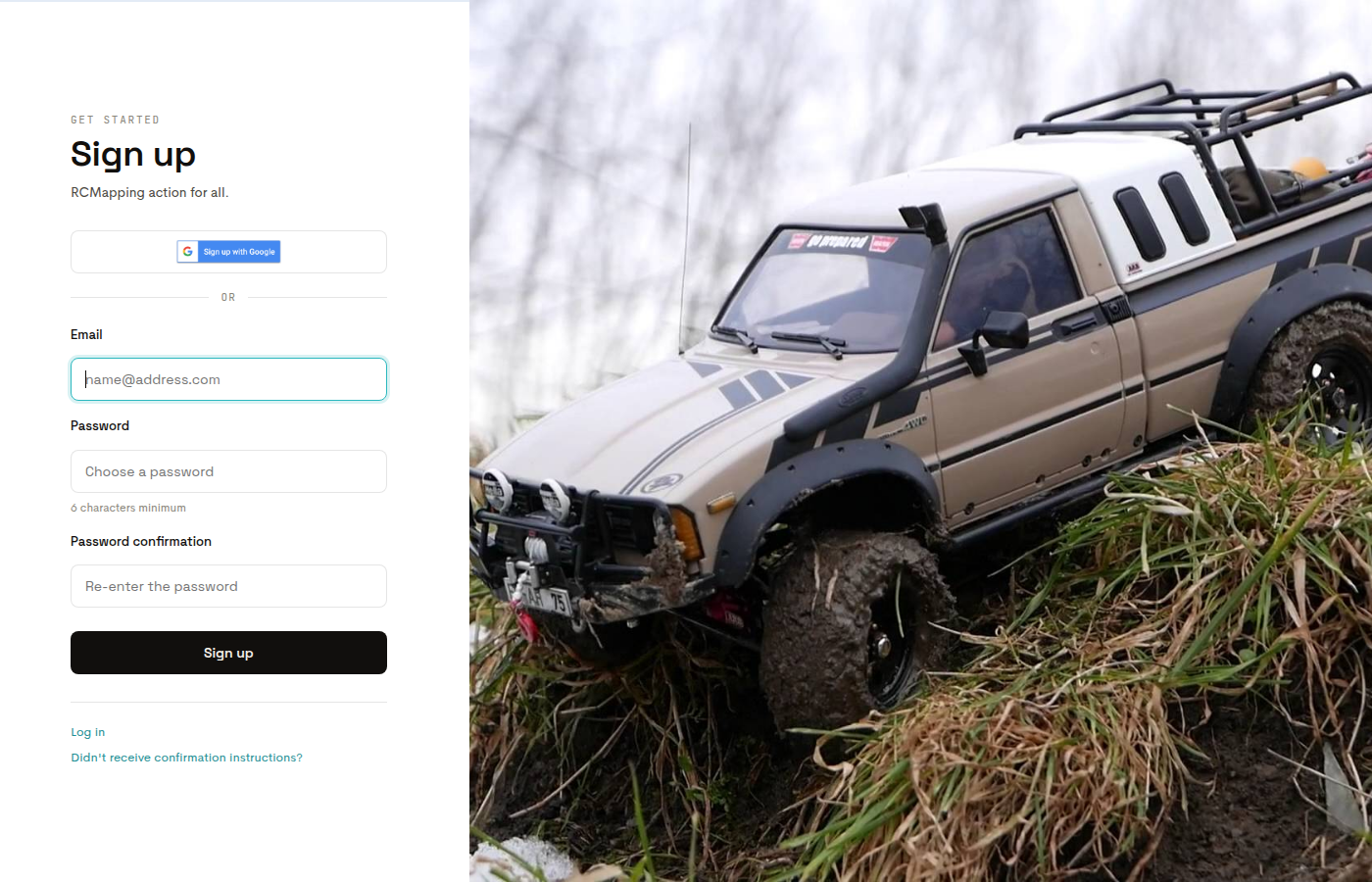
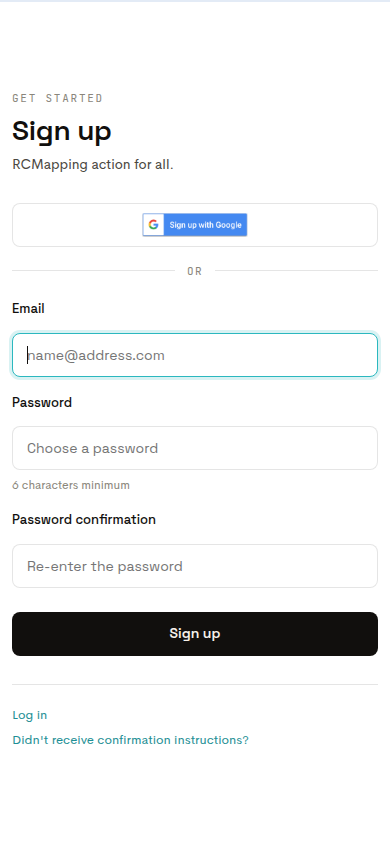
You can browse the map without an account. Create one when you want to submit places, add photos or notes, manage your driver profile and garage, join clubs, enter competitions, or use the same identity in the mobile app. Use Join for a new account or Sign in if you already have one.
Using one account keeps your submissions, club activity, competition entries, garage, and profile tied together.
Use RCMap in the field
Install RCMap from the App Store or Google Play when you want the field version of the product. The mobile app keeps nearby places, events, clubs, competition activity, and your account identity close when you are away from your desk.
Troubleshooting and FAQ
What can I find on RCMap?
RCMap is built around RC places: crawling spots, trailing areas, RC tracks, hobby shops, hobby shops with tracks or scale courses, clubs, competitions, events, and driver profiles.
Do I need an account to use RCMap?
No. You can browse the map and read public place pages without signing in. You need an account to submit places, add community updates, manage your profile and garage, join clubs, enter competitions, and keep your web and mobile identity connected.
Why does a new place not appear right away?
New submissions go through moderation before they show on the public map. Review helps prevent duplicates, spam, private-property mistakes, and unclear access notes.
Can I add a hobby shop?
Yes. Use the same Submit flow and choose the most accurate hobby shop category. Add a practical description so drivers understand whether the shop has a track, scale course, events, or retail-only access.
How do clubs and competitions fit into getting started?
Start with the map, then use clubs and competitions when you want local crew activity. Clubs have public pages, join flows, member lists, events, and competition hubs; competitions add registration, divisions, scoring, standings, and final results.
Which mobile app should I install?
Use the iOS app from the App Store on iPhone or the Android app from Google Play on Android. The web guide links to both official store pages.