
Overview
Use this guide when your club is ready to run a scored competition in RCMap. You will create the public event, define the scoring structure, open registration, and assign the helpers who need event-day tools.
Competitions live inside clubs. That keeps setup permissions, registrations, roles, and communication tied to the people organizing the event.
Before you start
- You have an RCMap account and can sign in.
- The hosting club already exists in RCMap.
- You are the club owner, a club admin, or a moderator.
- You know the event date, rough schedule, divisions or classes, course count, gate count, time limit, and scoring penalty defaults.
- Any judges, scorekeepers, or tech inspectors already have RCMap accounts, or know which email they will use.
Start with one course and the default Class 1, Class 2, and Class 3 divisions. Add complexity only when your event needs it.
Open the club that will host the competition
Start from the club page, not from the map. RCMap competitions belong to a club so entries, roles, and event communication stay scoped to the organizing group.
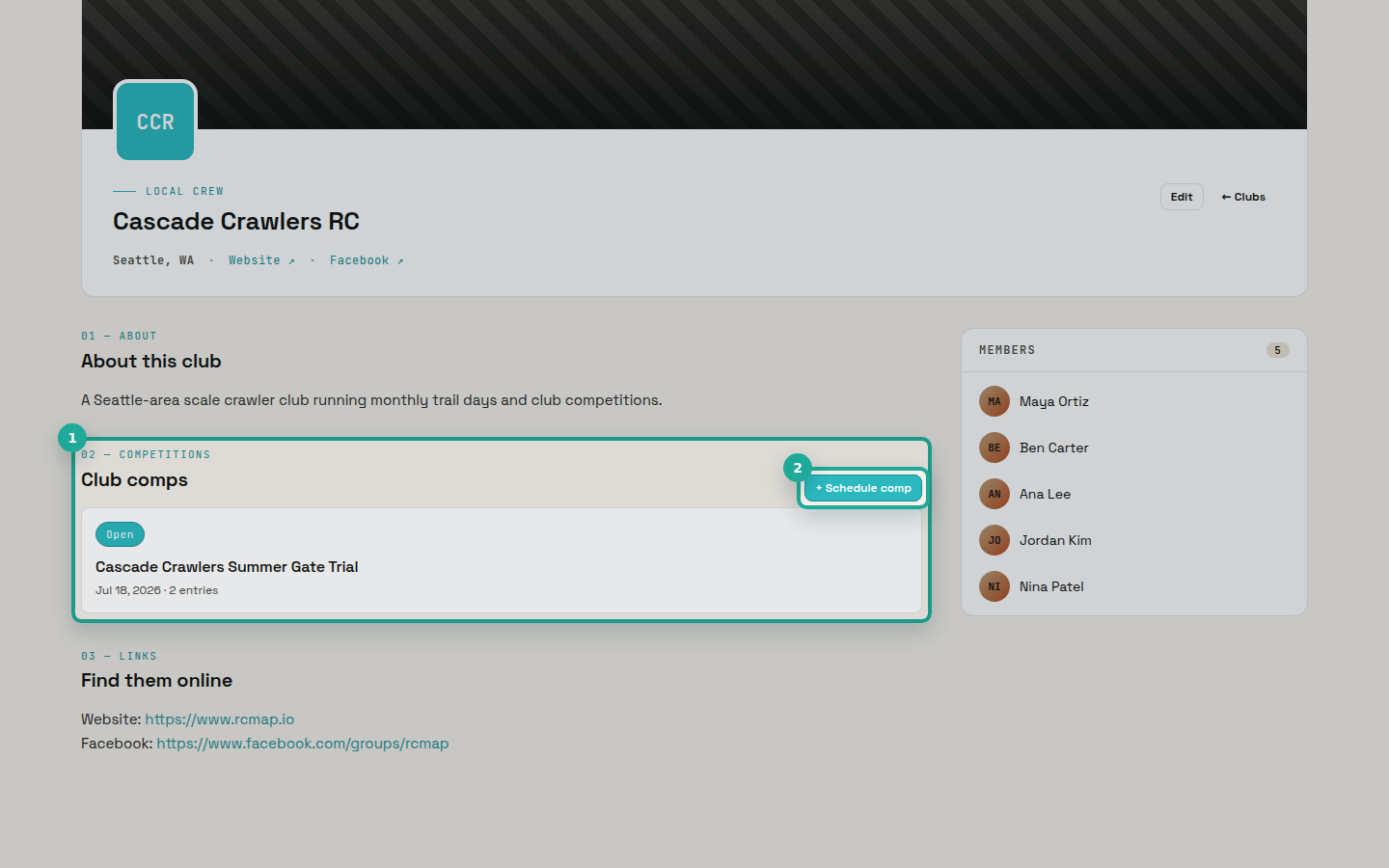
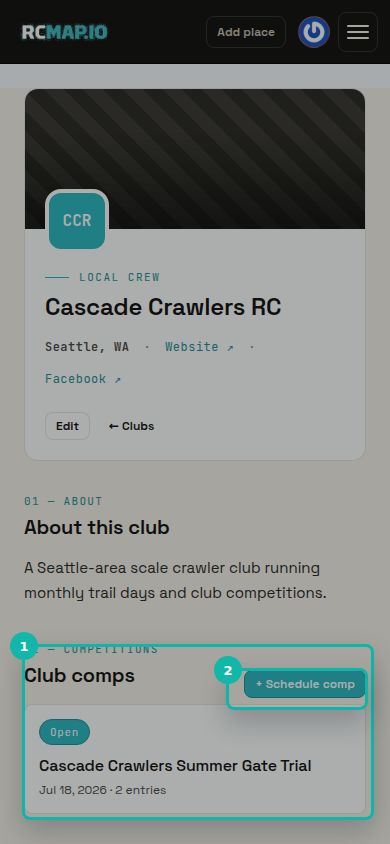
In the Club comps section, choose Schedule comp. If you only see View all, ask the club owner or an admin to make you a manager before you continue.
Fill in the competition basics
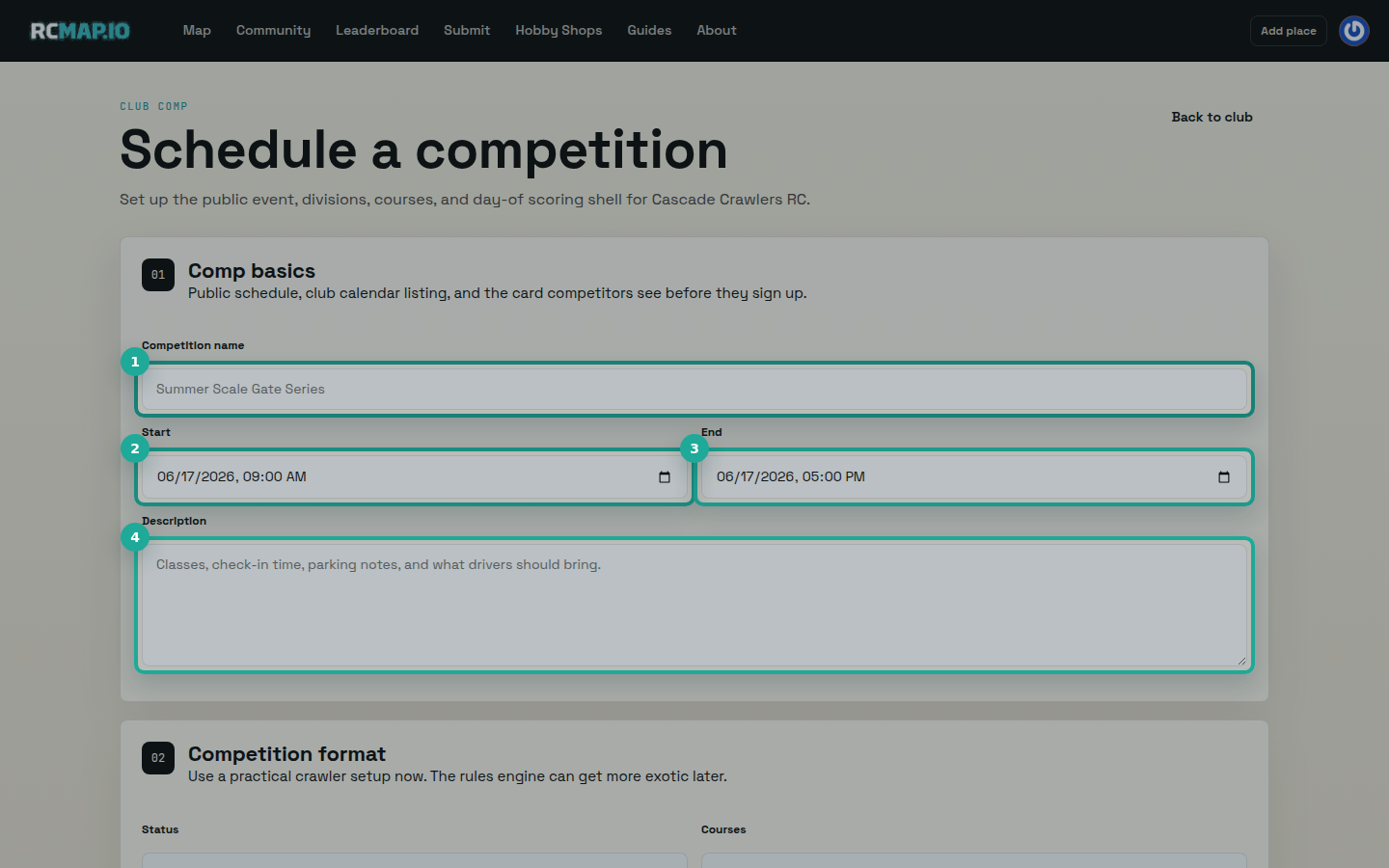
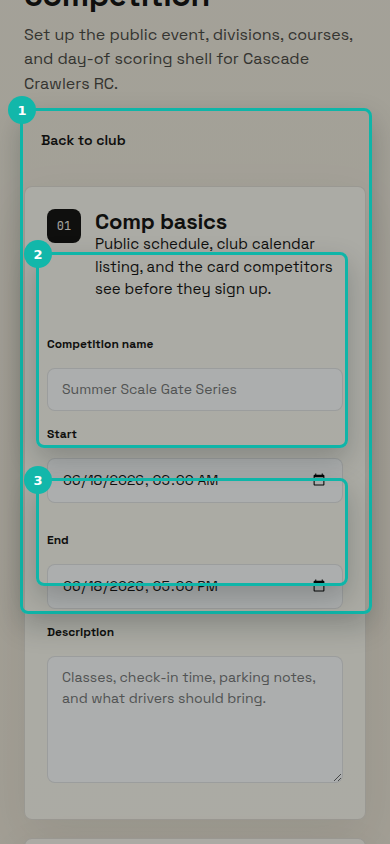
Give the event a clear Competition name, then set the Start and End times. Use the Description field for check-in time, parking notes, class notes, and anything drivers should bring.
Write the description for a driver who has not attended your events before. A useful description reduces questions later.
Set the format: status, courses, divisions, and rules
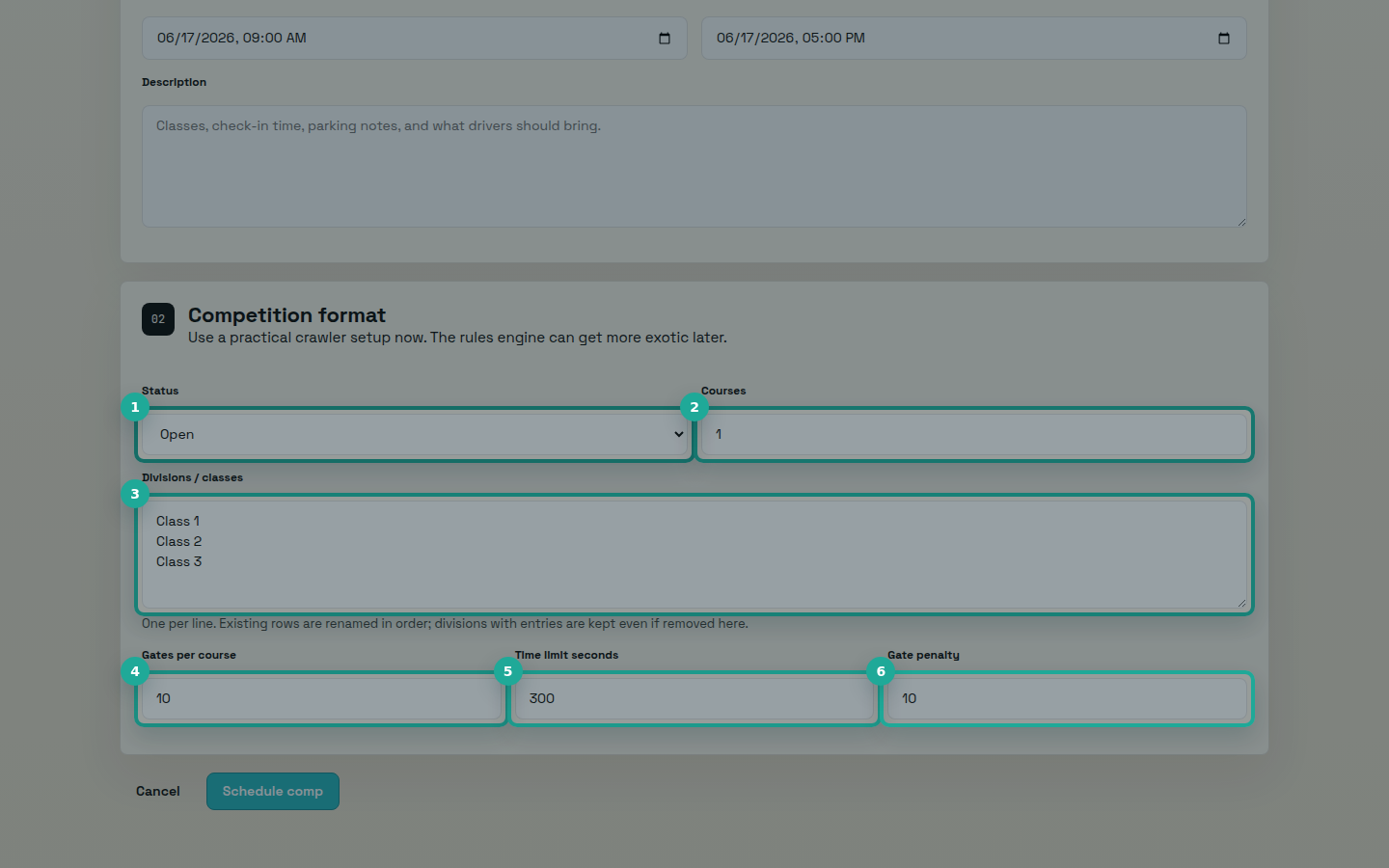
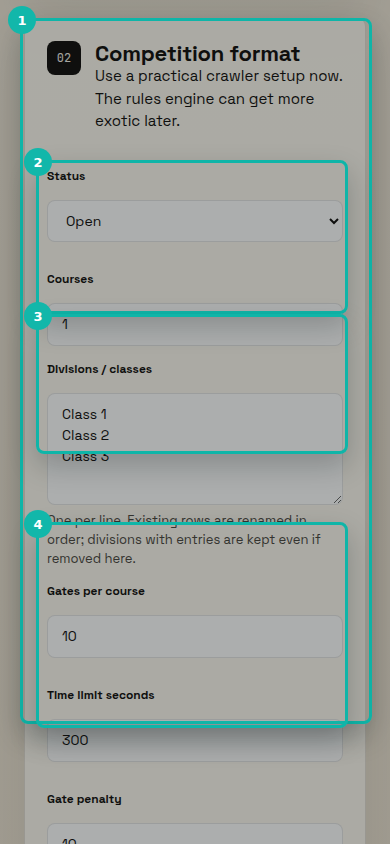
Choose the Status, number of Courses, and one Division or class per line. RCMap starts with common crawler defaults: Class 1, Class 2, Class 3, one course, ten gates, a 300 second time limit, and a ten point gate penalty.
Use Draft if the event is not ready for drivers. Use Open when drivers can enter immediately. Courses and divisions can be adjusted later, but courses with scored runs and divisions with entries are kept for history.
Save the competition and review the public page
Select Schedule comp. RCMap creates the competition, adds it to the club calendar, and opens the public competition page.
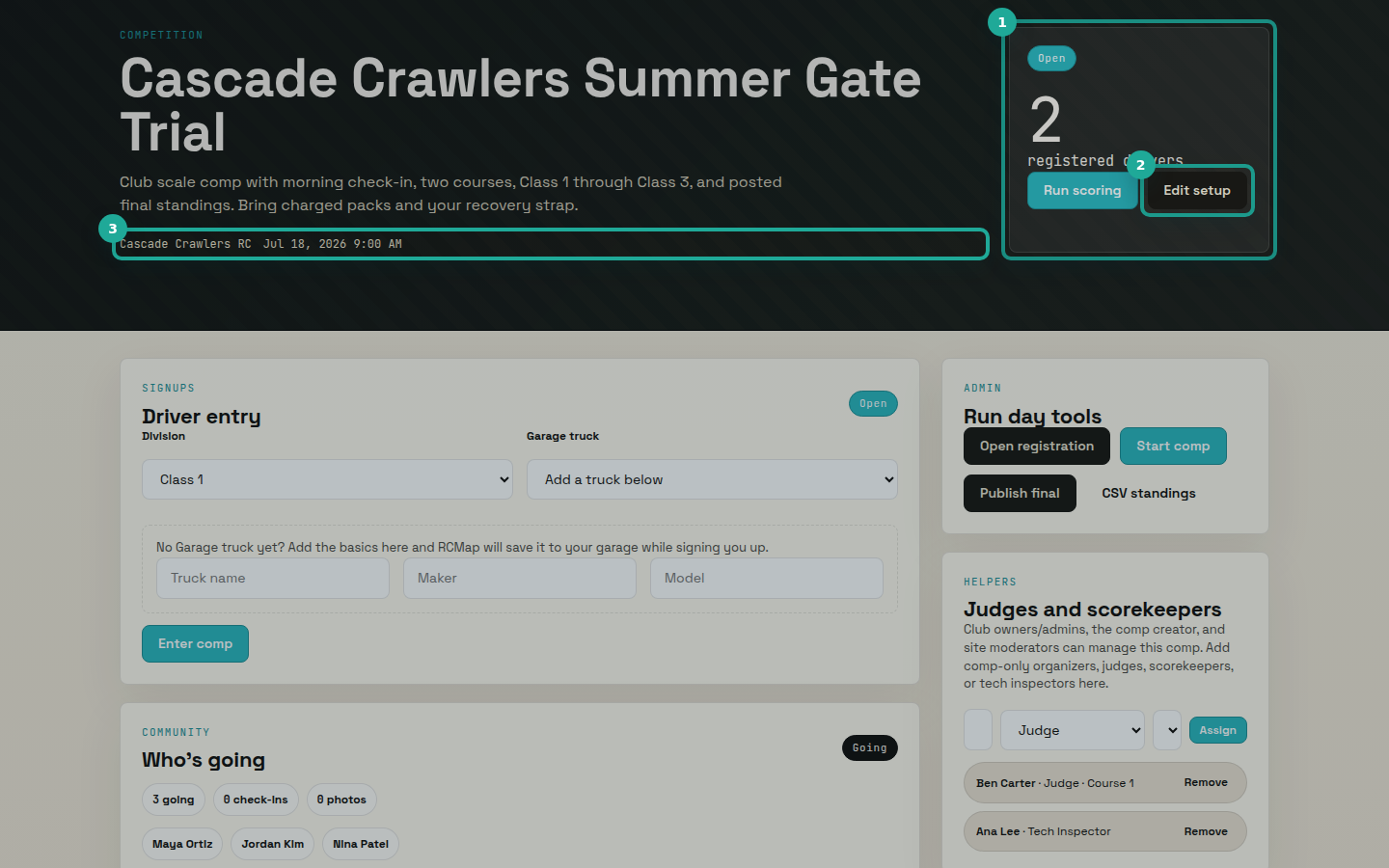
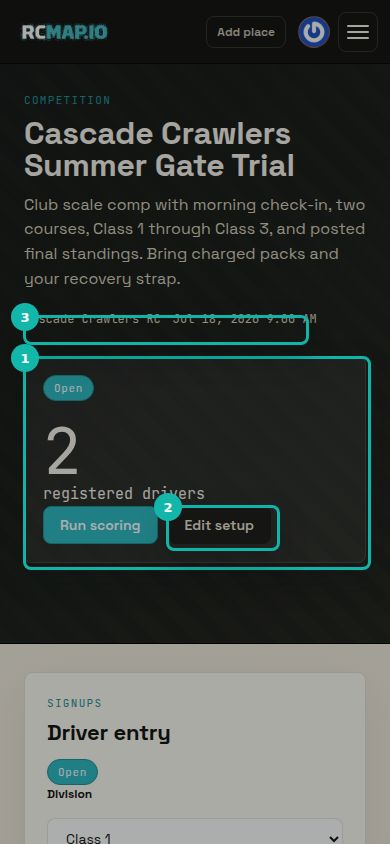
Review the status chip, title, time, description, divisions, courses, and entry state. If anything is wrong, choose Edit setup and correct it before drivers start entering.
Open registration and monitor entries
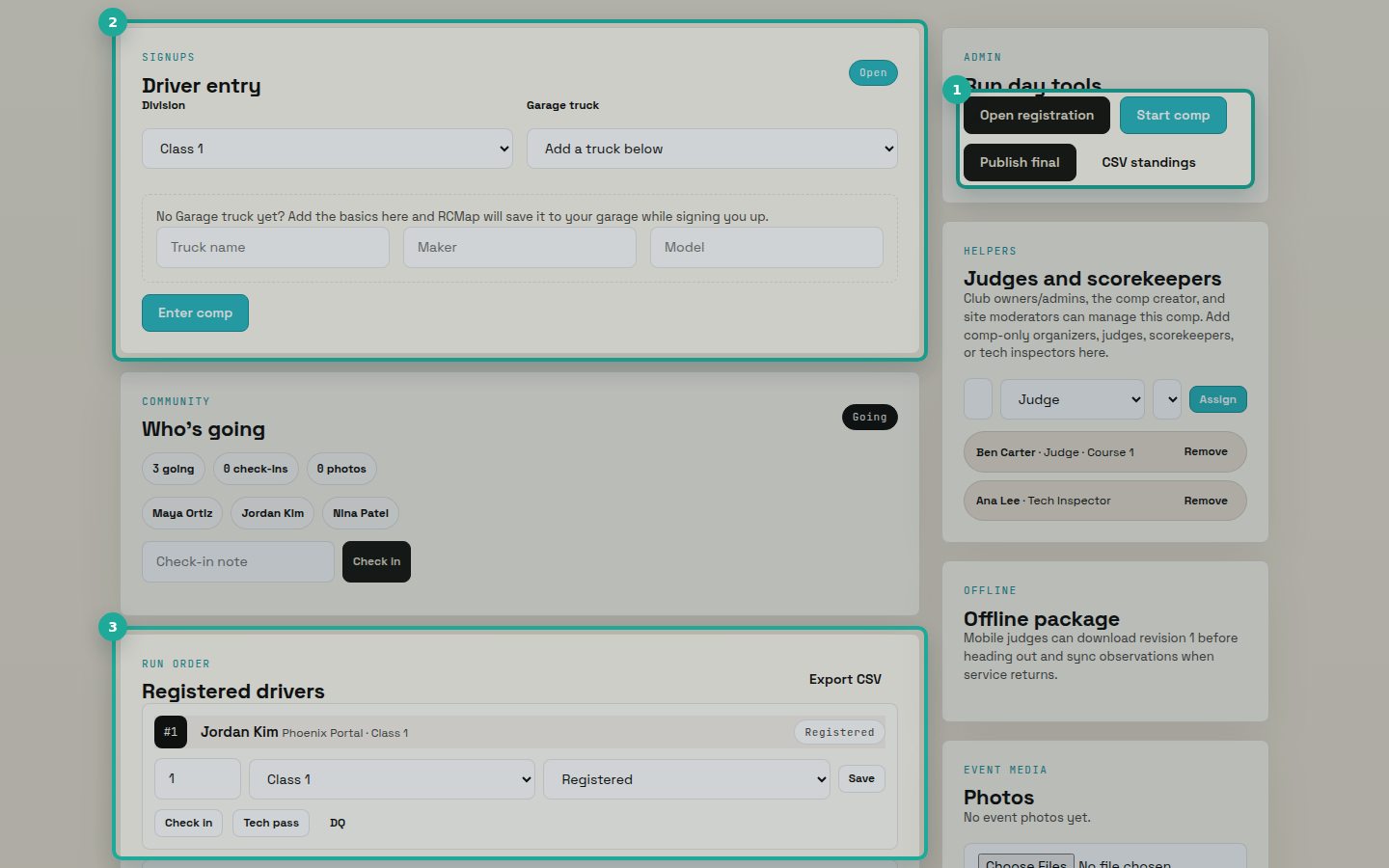
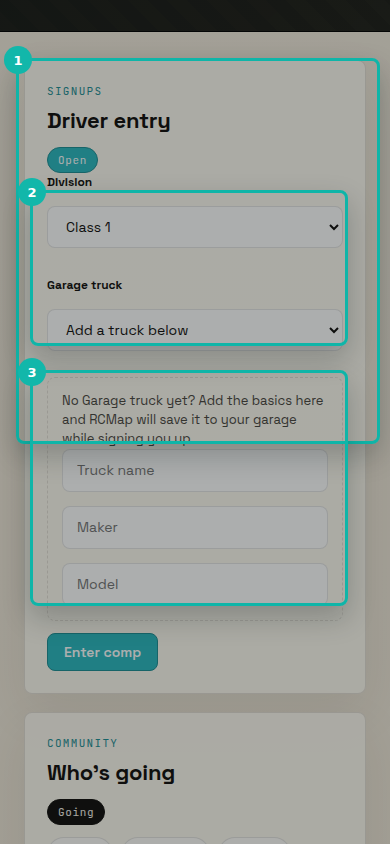
When the event is ready, use Open registration from the Run day tools panel. Drivers can then select a Division and a Garage truck, or add a basic truck while entering.
Managers can adjust entry numbers, move drivers between divisions, check entries in, mark tech inspection, export standings CSV, and close registration by changing the status from Edit setup.
Assign organizers, judges, scorekeepers, and tech inspectors
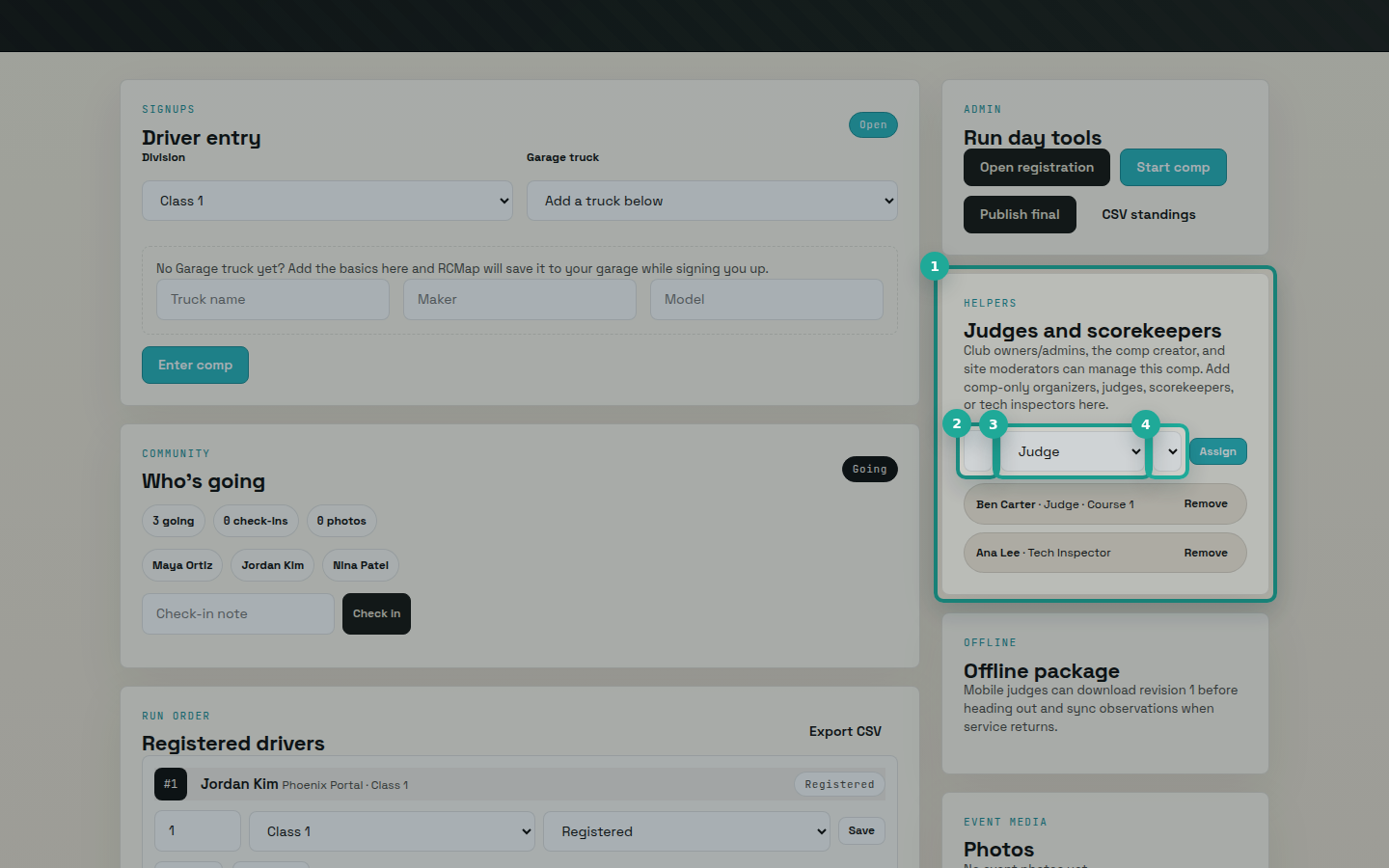
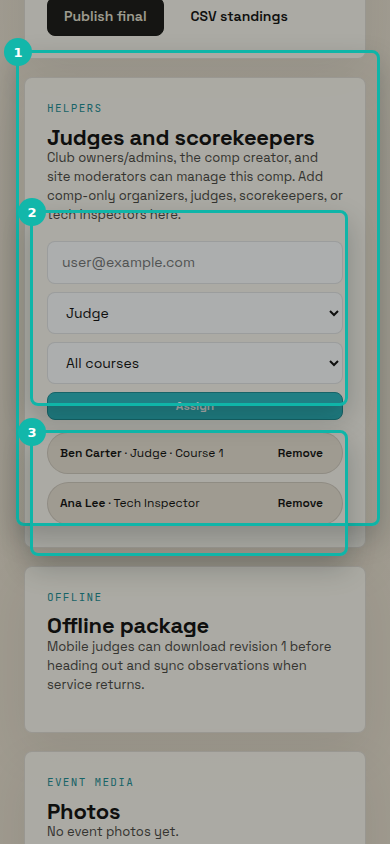
In Judges and scorekeepers, enter the helper's email, choose a role, optionally scope it to a course, then select Assign.
Organizers and scorekeepers can manage the competition. Judges can run scoring. Tech inspectors can mark entries as tech passed or disqualified. Club owners, club admins, the competition creator, and moderators already have manager access.
FAQ
Who can schedule a competition for a club?
Club owners, club admins, and site moderators can schedule club competitions. If you do not see Schedule comp on the club page, ask a club owner or admin to update your club role.
Can I keep a competition private while I finish setup?
Yes. Set the competition status to Draft while you prepare the details. Move it to Open when drivers should be able to enter.
Can drivers enter without a Garage truck?
Drivers can add a basic truck from the entry form. RCMap saves it to their Garage while signing them up.
What happens if I change divisions or courses after drivers enter?
RCMap renames existing divisions and courses in order. Divisions with entries and courses with scored runs are kept so registration and results history stay intact.
Which helper role should I use?
Use organizer or scorekeeper for people who need manager-level control, judge for scoring, and tech_inspector for tech inspection.